
WORDPRESS FORMS / PRACTICAL GUIDE
Choose a form builder
that fits your site.
What Gutenberg-native means, how theme styling works, and what to compare before you choose a WordPress form plugin.
What “Gutenberg-native” should mean
A form plugin that works in Gutenberg should let you add a form to a page using a block, adjust its placement in the editor, and preview it in the context of your content. That is useful, but it does not automatically mean the form builder itself uses WordPress’s editing patterns or that the published form follows your theme.
Check both sides of the workflow: where you create fields and rules, and how the form looks after publication. ITC Forms gives you a dedicated form builder and a reusable Form block for adding a form to a page.
How to get a form that fits a WordPress theme
- Create a small test form with the field types you actually need.
- Add it to a page with the plugin’s block.
- Preview the published page using your active theme, including mobile.
- Check labels, field borders, spacing, focus states, and validation messages.
- Use per-form styling or custom CSS only where the theme defaults need adjustment.
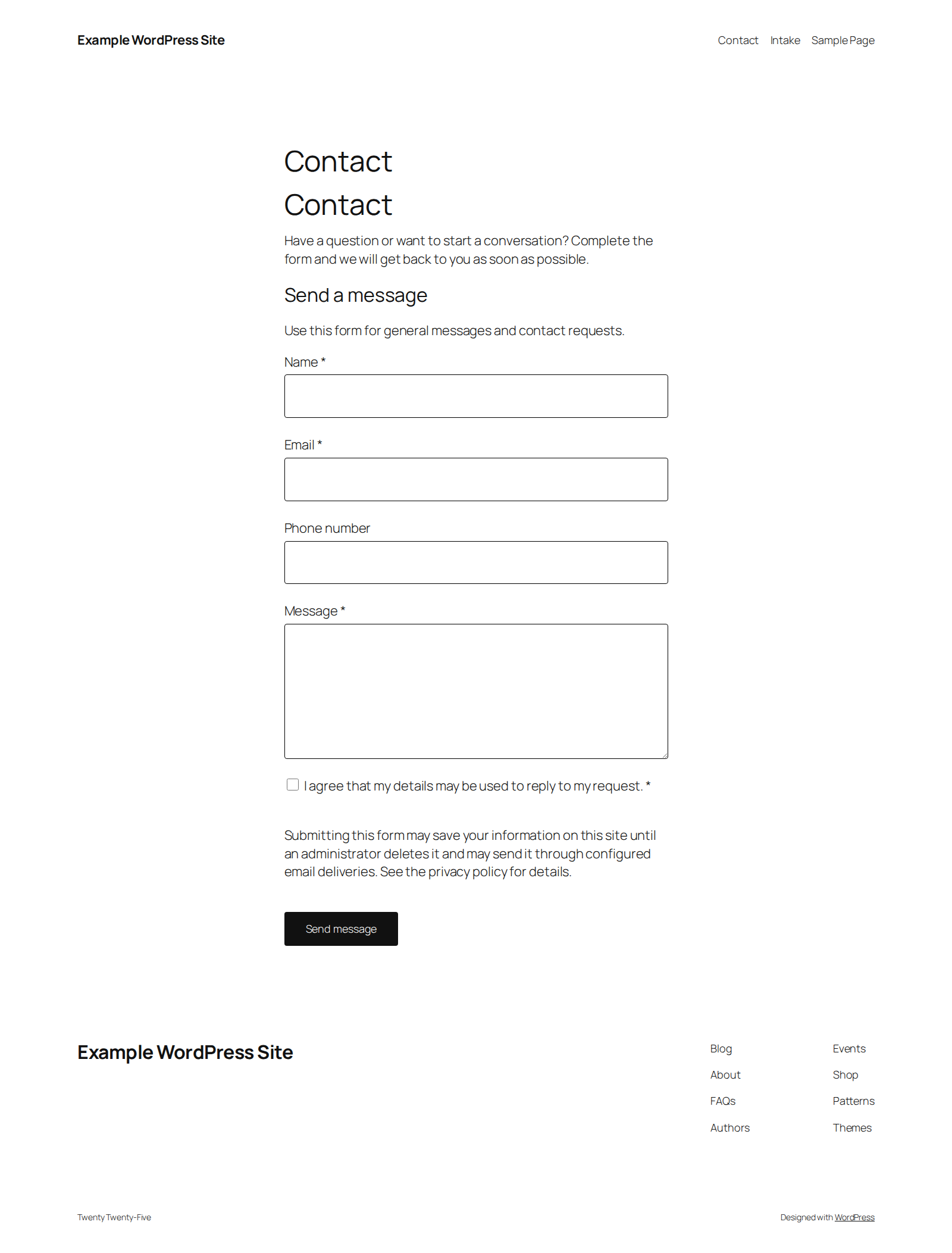
ITC Forms starts with the active theme’s typography, colors, spacing, and controls. See the published form example and quick-start guide.
Compare the full product, not one checkbox
Gravity Forms, WPForms, and Fluent Forms also support block-editor workflows and provide ways to style forms. Their controls, plan limits, and extension requirements differ. Read the current documentation for Gravity Forms, WPForms, and Fluent Forms and check what your license includes before switching.
ITC Forms may suit you if you want the WordPress editor and your active theme to be the default path, plus conditional rules, multi-page forms, uploads, calculations, entries, and named provider add-ons. A different builder may suit you better if you rely on a particular integration, existing forms, or established ecosystem.
Check data handling and support
Ask where entries are stored, which services receive submissions, how spam is handled, and what support is included. ITC Forms stores entries in your WordPress site when storage is enabled. The form owner chooses the fields, connected services, and retention practices. The plugin includes a hidden honeypot and rate limits, with optional reCAPTCHA.
Is there a free version?
ITC Forms is being prepared as an annual commercial license; a separate WordPress.org Lite edition is not available yet. The public documentation, release notes, and screenshots are available before purchase. Review the cancellation and consumer-rights information before checkout.